

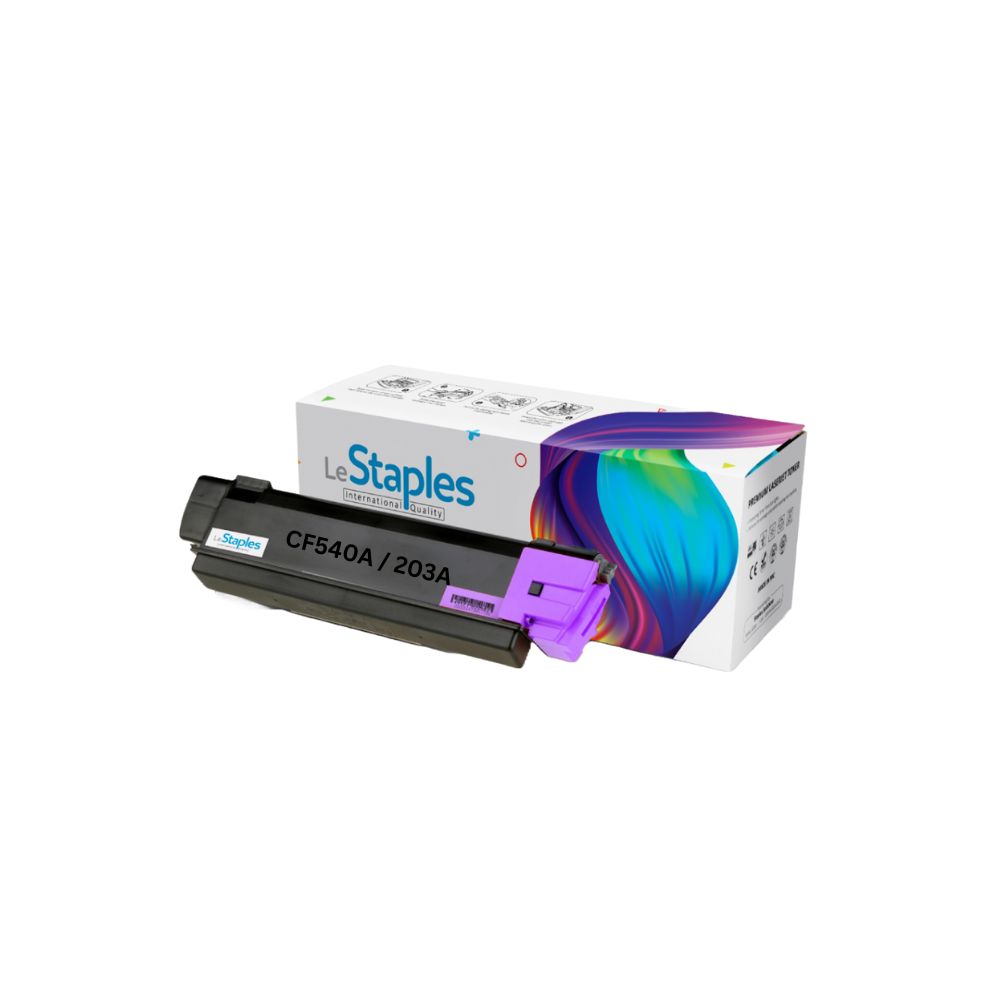
Compatible Printers
- HP Color LaserJet Pro M254 printer
- HP Color LaserJet Pro MFP M280 printer
- HP Color LaserJet Pro MFP M281 printer
- HP Color LaserJet Pro M254dw printer
- HP Color LaserJet Pro M254nw printer
- HP Color LaserJet Pro M280nw printer
- HP Color LaserJet Pro MFP M281fdn printer
- HP Color LaserJet Pro MFP M281fdw printer
Easy To Install
- STEP 1: Open the paper box / Take out of the toner cartridge from packet
- STEP 2: A little shaking the Toner cartridge to make the ink powder well-distributed
- STEP 3: Slowly pull out the seal tape
- STEP 4: Inset the toner cartridge into the printer until it clicks into the right place
Customer Support 
Related products
-
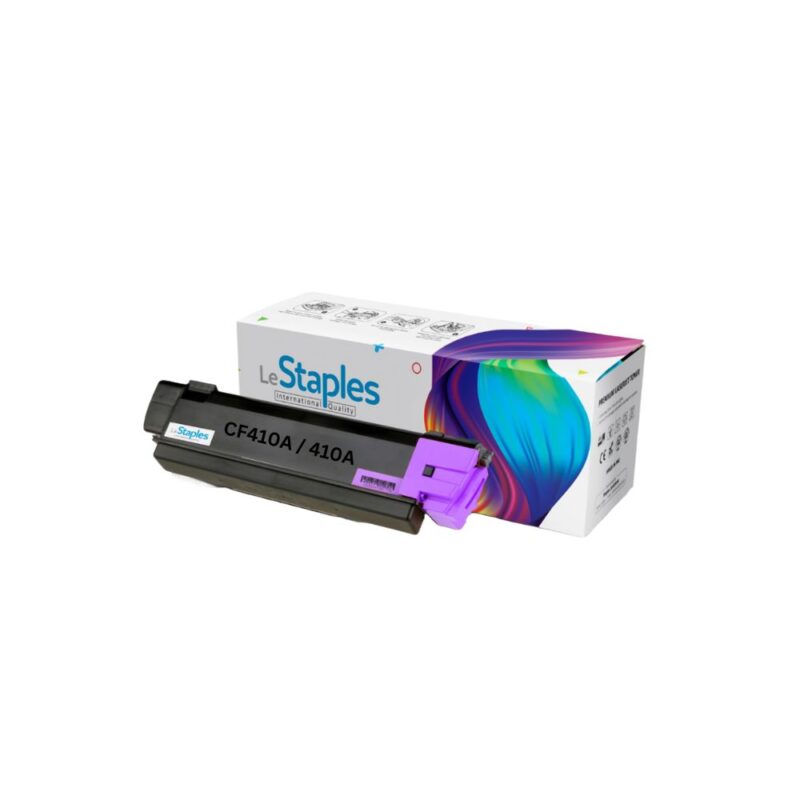
CF410A \ 410A Black Toner Cartridge
$ 40.00
Brand: LeStaples
Color: Black
Page Yield: Approx. 2,300 Pages
Made in: PRC
-
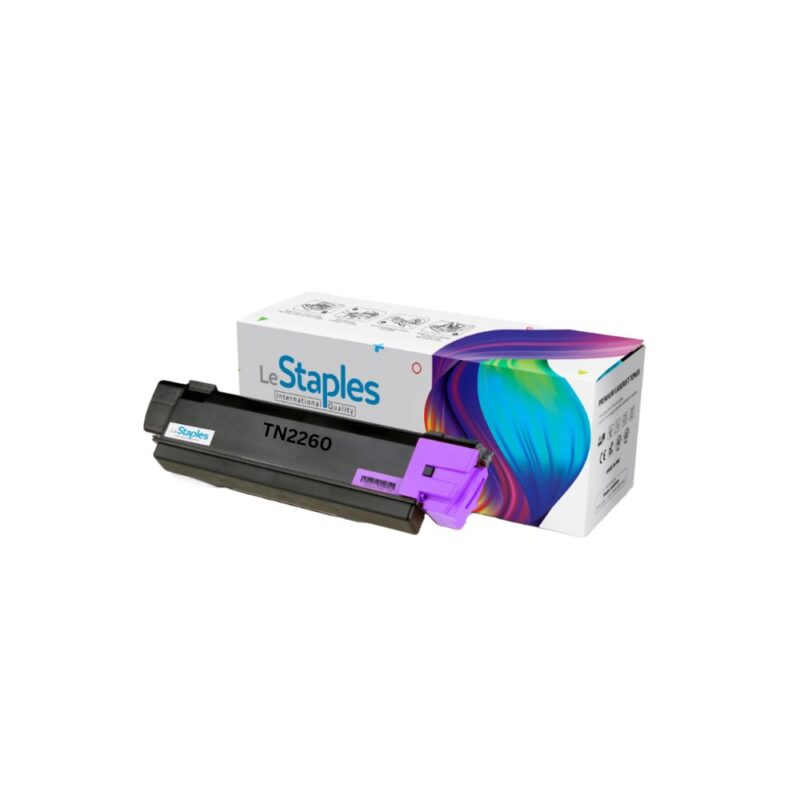
TN2260 Black Toner Cartridge
$ 38.00
Brand: LeStaples
Color: Black
Page Yield: Approx. 1,200 Pages
Made in: PRC
-
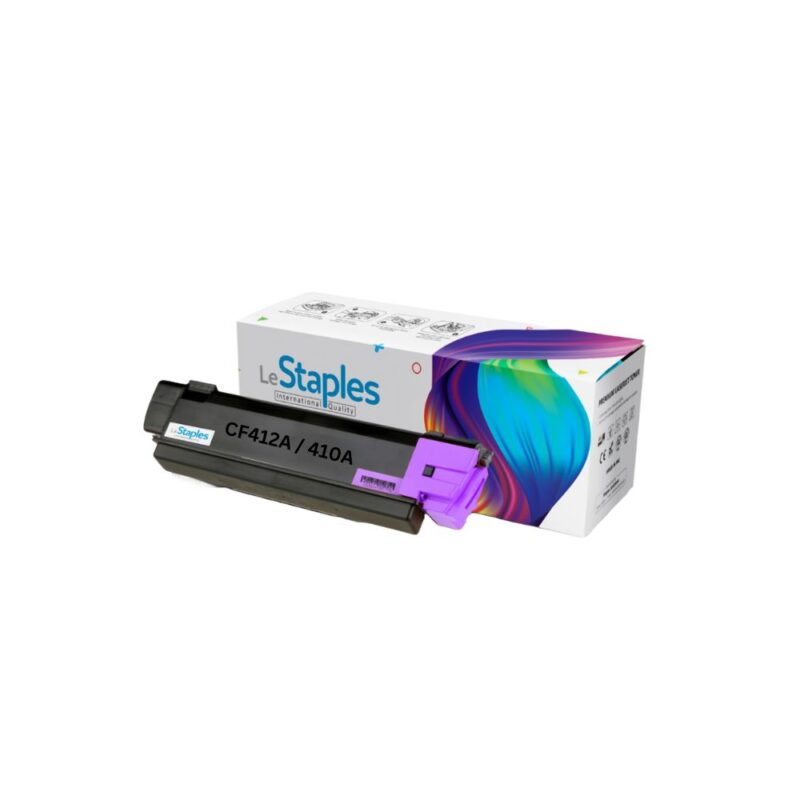
CF412A \ 410A Yellow Toner Cartridge
$ 40.00
Brand: LeStaples
Color: Yellow
Page Yield: Approx. 2,300 Pages
Made in: PRC